Free tool
Free WebP to PNG converter
Convert WebP to PNG in your browser.
Your images
Drag a file here, paste it, or choose one.
.heic, .heif, .jpg, .jpeg, .png, .webp, .avif, .gif, .bmp, .svg. Up to 50 MB.
WebP images saved from a website. Add up to 50.
Your images never leave your browser. They are decoded and redrawn here in the page.
More options
Remove location and camera data
Always on. Redrawing the image in the browser drops EXIF, GPS position and the camera model, so there is no way to keep them here. A photo's rotation is applied to the pixels first, so it stays the right way up.
Result
Worked example
Measured on our own 1536 by 864 poster image, the WebP our site serves, converted to PNG.
WebP
18 KB
PNG
308 KB
Lossy WebP is tiny; PNG writes out every pixel the WebP decodes to. The picture looks the same, the file is about 17 times bigger, and every program can open it.
1. Add your WebP files. 2. Check PNG is picked. 3. Convert in the browser. 4. Download.
What Interlace does
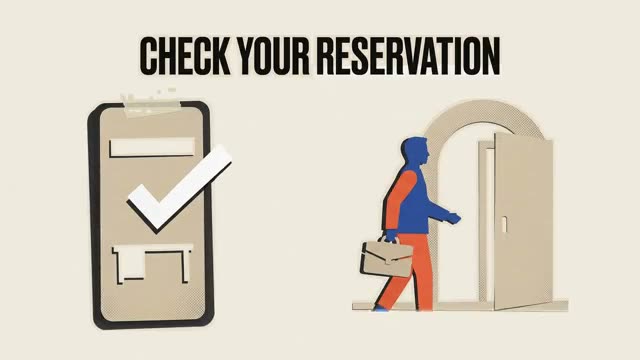
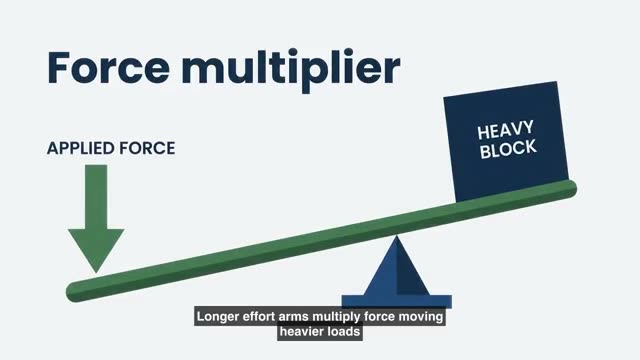
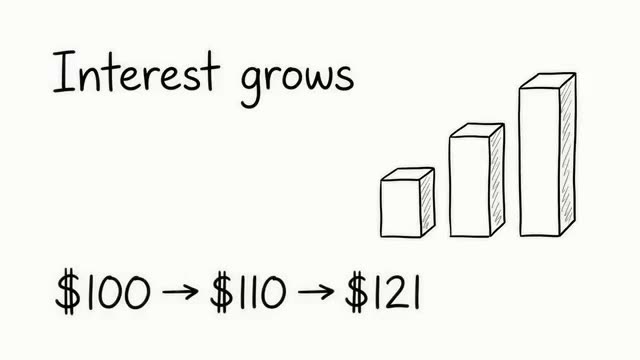
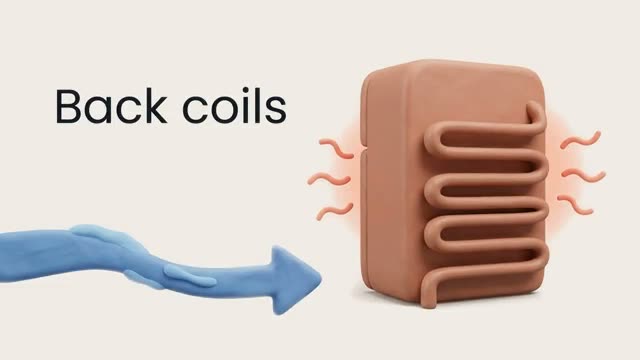
Pictures that match, scene after scene.
- Choose a visual style once
- Every scene in the video is drawn in it
- Your logo, colours and fonts applied for you
Stills from real Interlace videos.
Your file
hero-banner.webp
Saved from a web page
Questions
Asked and answered
No. Your browser decodes the WebP and the page writes the PNG, all on your own machine. Nothing leaves the tab.
Sites serve WebP because it is smaller than JPG or PNG for the same picture, so pages load faster. When you save the image you get the file the site served, not the format the designer started with.
Yes. PNG has a full alpha channel, so transparent and semi transparent pixels come across exactly.
Most WebP images on the web are lossy. PNG is lossless, so it stores every pixel the WebP decodes to, including the fine detail of a photo. For a photo, JPG gives a much smaller file; use WebP to JPG for that.
Only the first frame is converted. PNG here is a still image.
Turn this into a video
Create an account and start from a document, script, or prompt.