Free tool
Free PNG to WebP converter
Convert PNG to WebP in your browser to make images for your website smaller without losing transparency.
Your images
Drag a file here, paste it, or choose one.
.heic, .heif, .jpg, .jpeg, .png, .webp, .avif, .gif, .bmp, .svg. Up to 50 MB.
PNG images, with or without transparency. Add up to 50.
Your images never leave your browser. They are decoded and redrawn here in the page.
85 to 90 looks the same as the original to most eyes. Lower makes smaller files.
More options
Remove location and camera data
Always on. Redrawing the image in the browser drops EXIF, GPS position and the camera model, so there is no way to keep them here. A photo's rotation is applied to the pixels first, so it stays the right way up.
Result
Worked example
Measured on our own 1376 by 768 PNG illustration, converted to WebP at quality 85.
PNG
1.5 MB
WebP
84 KB
94% smaller, and at web display sizes it is hard to tell apart. Illustrations with soft shading gain the most. A screenshot full of small text gains less and may want a higher quality.
1. Add your PNG files. 2. Check WebP is picked. 3. Convert in the browser. 4. Download.
What Interlace does
A faster page needs lighter images. A video says it faster.
- Turn a product page or a document into a short video
- Every scene drawn in the style you pick
- Export 16:9 for the page, 9:16 for social
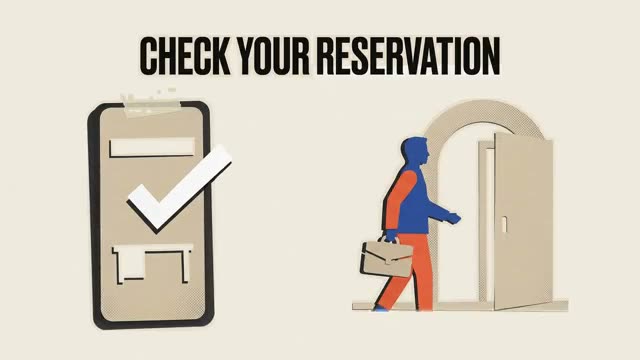
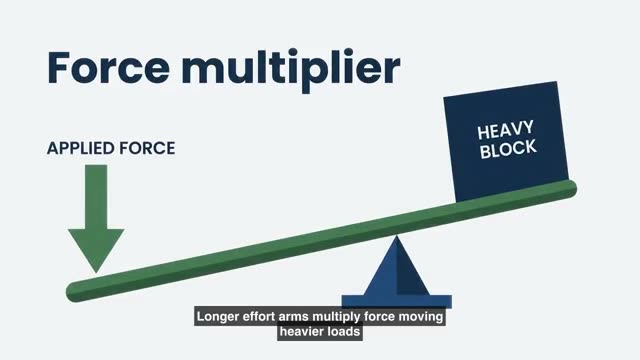
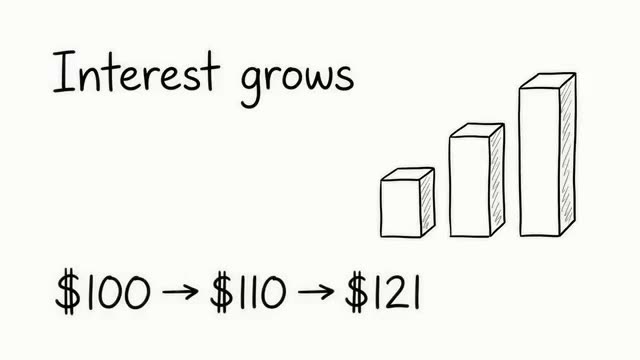
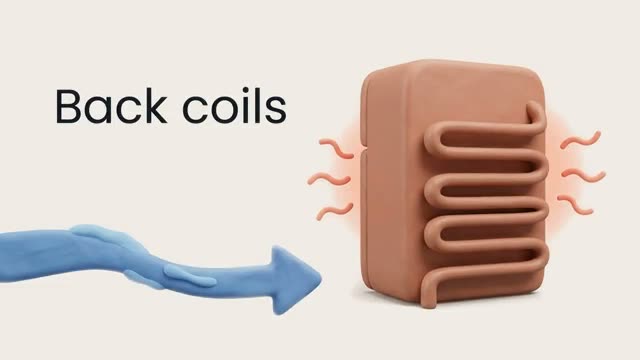
Stills from real Interlace videos.
Your file
feature-illustration.png
For the website
Questions
Asked and answered
No. The PNG is decoded and saved as WebP inside this tab. Nothing is sent to a server.
Yes. WebP has an alpha channel, so a logo or cut out product keeps its clear background.
85 is a good start for photos and illustrations. Screenshots with small text look better at 90 or more. Watch the size each file ends up at, then try a lower number if you need it smaller.
Every current version of Chrome, Edge, Firefox and Safari does. Safari added it in version 14, in 2020. Some email clients and older desktop apps still do not, so keep the PNG for those.
Yes. Safari cannot write WebP from a canvas, so on Safari the page loads a small WebP encoder compiled to WebAssembly, once, and uses that instead.
Turn this into a video
Create an account and start from a document, script, or prompt.