Free tool
Free AVIF to JPG converter
Convert AVIF to JPG in your browser.
Your images
Drag a file here, paste it, or choose one.
.heic, .heif, .jpg, .jpeg, .png, .webp, .avif, .gif, .bmp, .svg. Up to 50 MB.
AVIF images. Add up to 50.
Your images never leave your browser. They are decoded and redrawn here in the page.
85 to 90 looks the same as the original to most eyes. Lower makes smaller files.
More options
Remove location and camera data
Always on. Redrawing the image in the browser drops EXIF, GPS position and the camera model, so there is no way to keep them here. A photo's rotation is applied to the pixels first, so it stays the right way up.
Result
Worked example
Measured on our own 1376 by 768 illustration saved as AVIF on a Mac, converted to JPG at quality 90.
AVIF
131 KB
JPG
172 KB
The JPG is about a third larger. AVIF packs the same picture into fewer bytes; JPG is what every viewer, editor and upload form accepts.
1. Add your AVIF files. 2. Check JPG is picked. 3. Convert in the browser. 4. Download.
What Interlace does
Pictures made for the video, not borrowed from the web.
- Start from a script, a document or a prompt
- Every scene drawn in the style you pick
- Voice and on-screen text in 28 languages
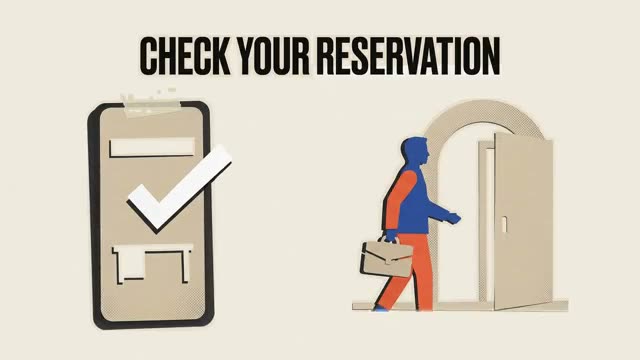
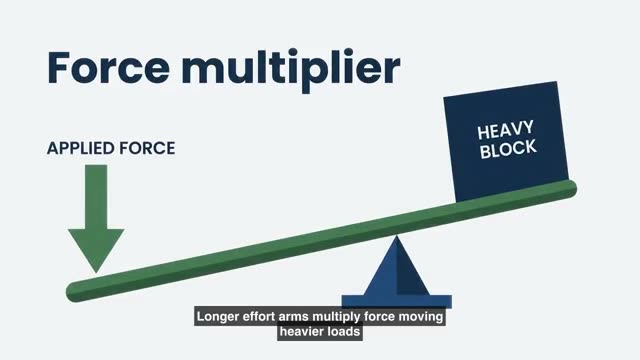
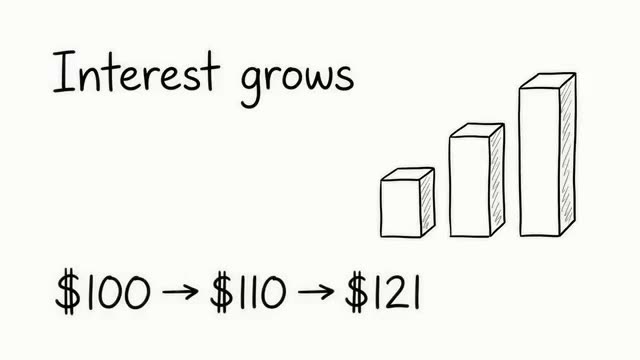
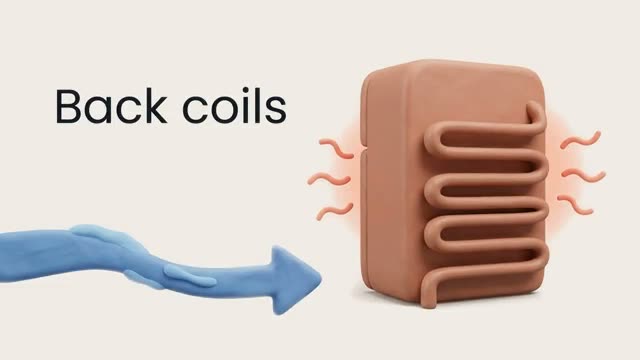
Stills from real Interlace videos.
Your file
header-image.avif
Saved from a web page
Questions
Asked and answered
No. Your browser decodes the AVIF and the page writes the JPG on your own machine. Nothing is sent anywhere.
An image format from the Alliance for Open Media, based on the AV1 video codec. It compresses better than JPG and WebP, which is why sites serve it. Support outside browsers is still patchy.
AVIF compresses far more efficiently than JPEG, so the same picture needs more bytes as a JPG. You are trading size for a file every program can open.
Any browser that shows AVIF images: Chrome 85, Firefox 93, Safari 16.4 and later, and current Edge. The converter uses the browser's own AVIF decoder.
AVIF can be transparent; JPG cannot. Clear areas are filled with the background colour under More options, white by default. Convert to PNG instead if you need the transparency.
Turn this into a video
Create an account and start from a document, script, or prompt.