Free tool
Free video frame and thumbnail grabber
Grab a still frame from a video and save it as a thumbnail.
Your video
Drag a file here, paste it, or choose one.
.mp4, .mov, .webm, .mkv. Up to 500 MB.
Up to 10 minutes long.
Your video never leaves your browser. The frame is drawn here in the page.
Frames
Worked example
Measured on our own 27 second launch film at 1920 by 1080, a frame at 8 seconds exported at 1280 by 720.
PNG frame
427 KB
JPG, quality 88
60 KB
The same frame, seven times smaller as a JPG. Our launch film is illustrated, with flat colour and type, which is exactly the case where PNG earns its size and JPG starts to soften the edges.
1. Add a video. 2. Scrub to the moment. 3. Grab the frame. 4. Download.
What Interlace does
Every frame drawn for you. Pick the style.
- Choose one visual style for the whole video
- Every scene is drawn in it
- Your logo, colours and fonts applied for you
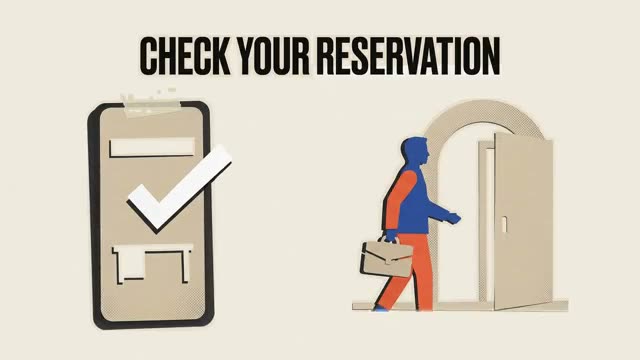
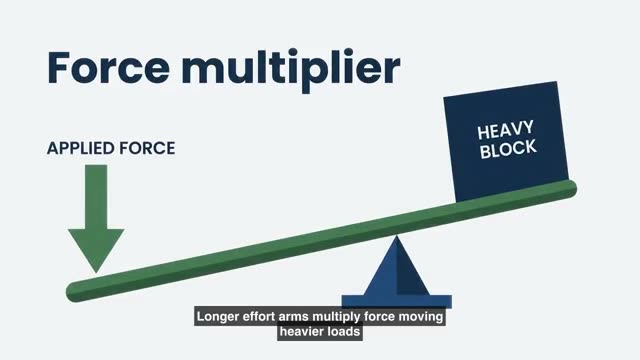
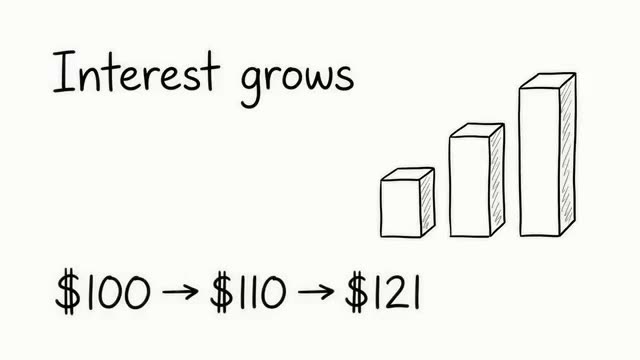
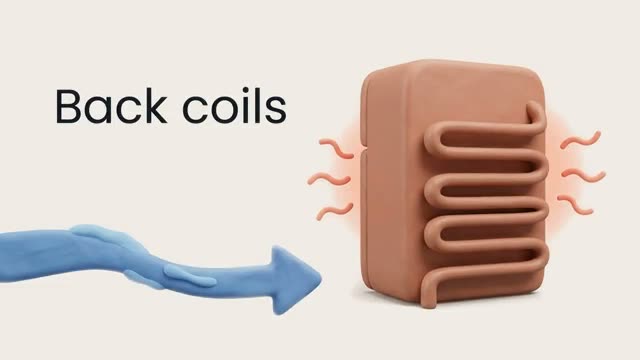
Stills from real Interlace videos.
Your file
Questions
Asked and answered
No. The file is read by the page, handed to ffmpeg compiled to WebAssembly, and written back out, all on your own machine. There is no upload step, and closing the tab discards everything.
Because there is no encoding. Your browser already decodes the video to play it, so we draw the current frame onto a canvas and read the pixels back. No ffmpeg, no waiting.
PNG for screen recordings, diagrams and anything with text or flat colour, because it is lossless and stays sharp. JPG for camera footage, where the quality slider buys you a much smaller file with no visible difference.
Ten. Grab them one at a time as you scrub, then download the set as a single zip. Remove any you do not want before you export.
It scales the captured frame to the size you chose. A 16:9 frame exported at 1080 by 1080 is scaled to cover the square and cropped at the sides, so the middle of the picture is kept.
Turn this into a video
Create an account and start from a document, script, or prompt.